Best Laptops for Programming 2026
Top laptops for developers in 2026, from MacBook Pro to ThinkPad to Dell XPS. We compare specs, keyboards, and coding performance. Expert picks, pros and con...
As an Amazon Associate we earn from qualifying purchases made through our links — this doesn't affect our picks.
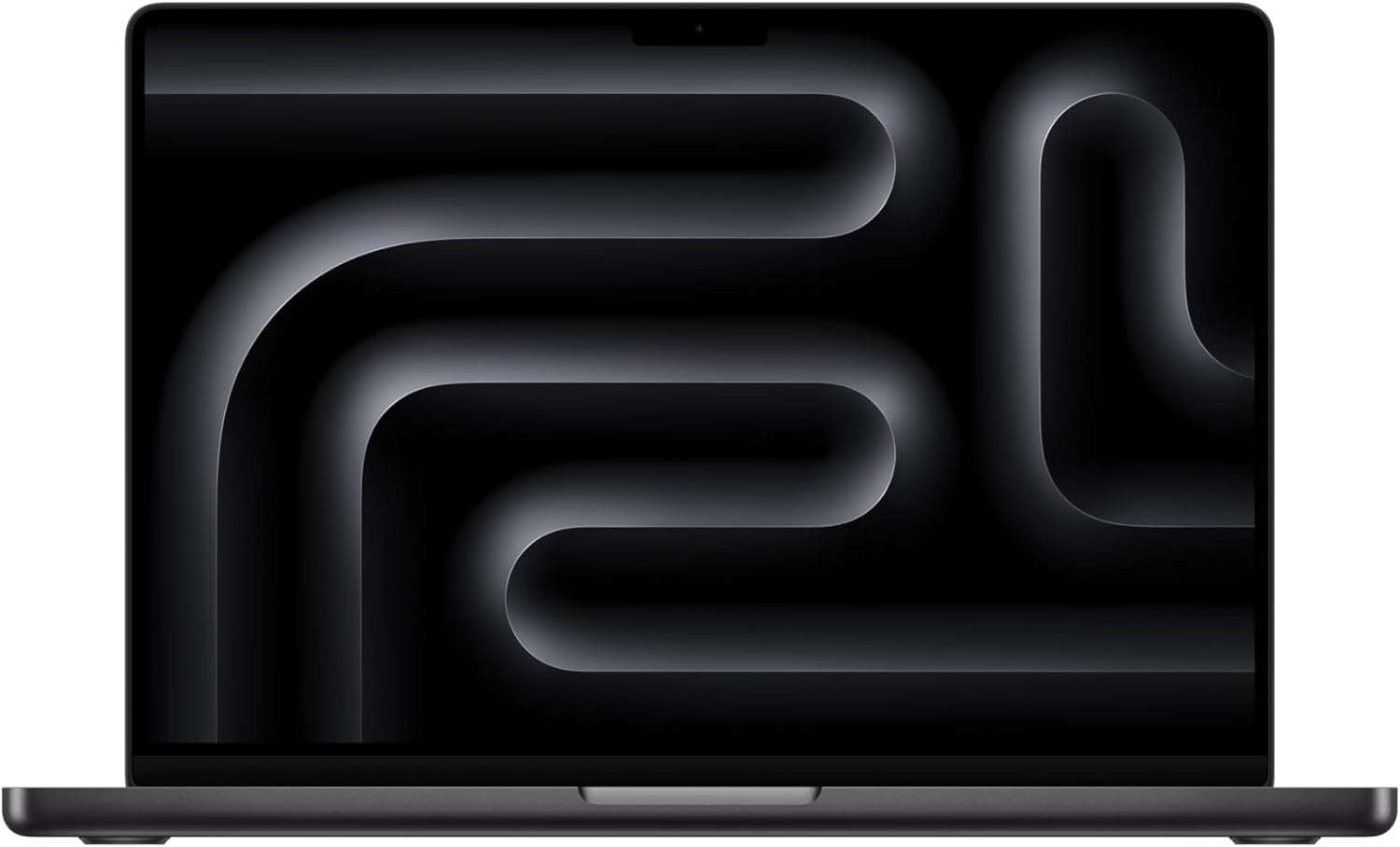
MacBook Pro 14-inch M4 Pro
Our top recommendation for this category
Price as of Jan 21, 2026 — see current price on Amazon.
Picking a laptop for programming is different from picking one for gaming or general use. You need a keyboard you can type on for 8+ hours without your wrists complaining, enough RAM to run Docker alongside your IDE, a screen that won't fry your eyes, and battery life that actually lasts a full workday.
Here's what I'd buy in 2026 for every type of developer.
Our top picks at a glance
| Laptop | CPU | RAM | Display | Price | |
|---|---|---|---|---|---|
| MacBook Pro 14-inch M4 Pro | Apple M4 Pro (12-core CPU) | 24GB unified | 14.2-inch 3024x1964 Liquid Retina XDR | $2,399 | Check Price |
| Lenovo ThinkPad X1 Carbon Gen 13 | Intel Core Ultra 7 258V | 32GB LPDDR5x | 14-inch 2.8K OLED | $1,749 | Check Price |
| Dell XPS 16 | Intel Core Ultra 9 185H | 32GB DDR5X | 16.3-inch 3840x2400 OLED | $2,199 | Check Price |
| MacBook Air 15-inch M4 | Apple M4 (10-core) | 16GB unified | 15.3-inch 2880x1864 Liquid Retina | $1,299 | Check Price |
Best overall: MacBook Pro 14" M4 Pro
MacBook Pro 14-inch M4 Pro
Pros
- Wild performance-per-watt: compiles fly
- 18-hour real-world battery life
- Best trackpad in the industry
- Silent under most workloads
- macOS + Homebrew is a developer dream
Cons
- $2,399 starting price for the Pro model
- macOS-only (no native Windows)
- 16GB base model is tight for heavy Docker use
- Notch is still there
Price as of Jan 21, 2026 — see current price on Amazon.
The M4 Pro MacBook Pro is ridiculous for programming. The 12-core CPU with 24GB of unified memory rips through compilation, containerized workloads, and multi-IDE setups without the fan even spinning up during normal dev work.
Battery life is the real killer feature. You'll get 14-18 hours of actual coding (VS Code, terminal, browser with 30 tabs open). That means leaving the charger at home when you head to a coffee shop.
The Liquid Retina XDR display is sharp and color-accurate, with ProMotion's adaptive 120Hz making code scrolling feel smooth. The keyboard has good travel and satisfying tactile feedback.
For web development, mobile development (especially iOS/Swift), DevOps, and general full-stack work, this is the one to beat.
Who it's for: Developers who want the best overall experience and work primarily in macOS/Unix environments.
Best Linux laptop: Lenovo ThinkPad X1 Carbon Gen 13
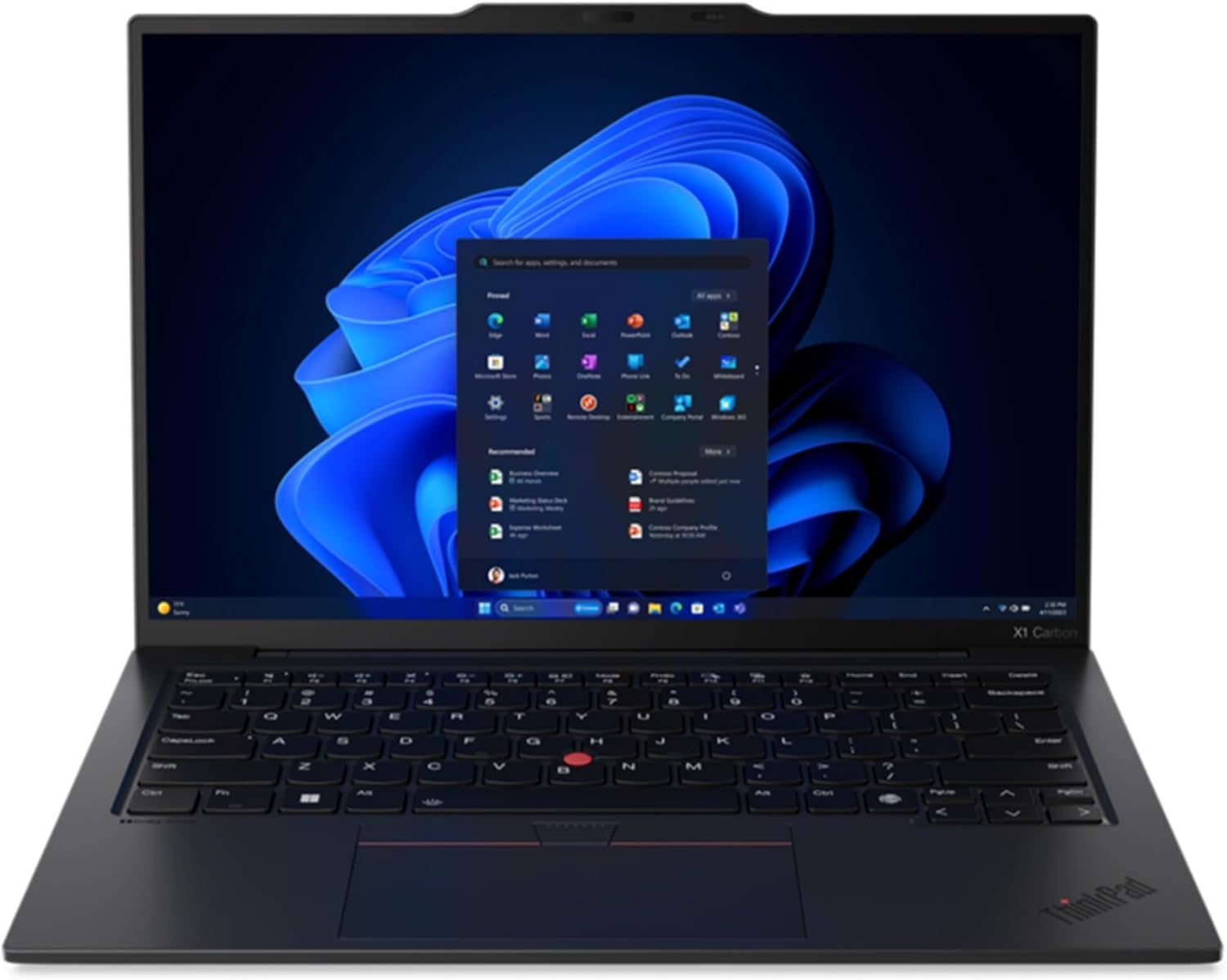
Lenovo ThinkPad X1 Carbon Gen 13
Pros
- Best keyboard in any laptop, period
- Under 2.5 lbs
- 12+ hour battery life
- Perfect Linux compatibility
- Space Frame design improves repairability
Cons
- Intel Core Ultra 7 trails M4 Pro in raw performance
- No discrete GPU option
- 14-inch screen feels small for long coding sessions
- OLED option bumps the price
Price as of Jan 21, 2026 — see current price on Amazon.
If keyboard quality is your #1 priority (and for many programmers, it should be), the ThinkPad X1 Carbon is still king. The Gen 13 keeps that legendary ThinkPad keyboard feel with deep key travel and a satisfying click that no other laptop matches. The TrackPoint is still there for the die-hards.
Under 2.5 pounds makes it one of the lightest 14" business laptops around. The Intel Core Ultra 7 258V handles IDEs, containers, and compilation fine, though it won't keep up with the M4 Pro in sustained multi-threaded workloads.
Linux support is flawless: Ubuntu, Fedora, and Arch run perfectly out of the box. Lenovo even sells official Linux configurations, which says something.
The new Space Frame chassis design makes components more accessible for repairs and upgrades, fixing one of the few complaints about previous generations.
Who it's for: Linux developers, sysadmins, and anyone who types all day and cares about keyboard quality above everything else.
Worth knowing: the Framework Laptop 16
Framework doesn't sell through Amazon, so there's no buy button from us on this one. It still belongs in the conversation, so here's the honest read. The Framework Laptop 16 is the anti-MacBook, and that's the whole point. Every component is user-replaceable: RAM, SSD, WiFi card, battery, keyboard, and even the ports (via swappable expansion cards). Want USB-C on the left today and HDMI on the right tomorrow? Swap the cards.
The AMD Ryzen 9 7945HX is a beast for compilation-heavy workloads, Docker, and local AI/ML development. The optional discrete GPU module means you can add graphics power without buying a whole new laptop.
Battery life is the trade-off: expect around 7 hours of real coding work, well behind the MacBook Pro and ThinkPad. The chassis is functional but lacks the premium feel of those competitors.
If you care about repairability, sustainability, and not being forced to buy a new laptop when one component dies, the Framework is a statement purchase that also happens to be a solid development machine.
Who it's for: Developers who value repairability and customization, tinkerers, Linux enthusiasts, and right-to-repair advocates. Configure one on Framework's own store at around $1,599 as specced above.
Best display: Dell XPS 16
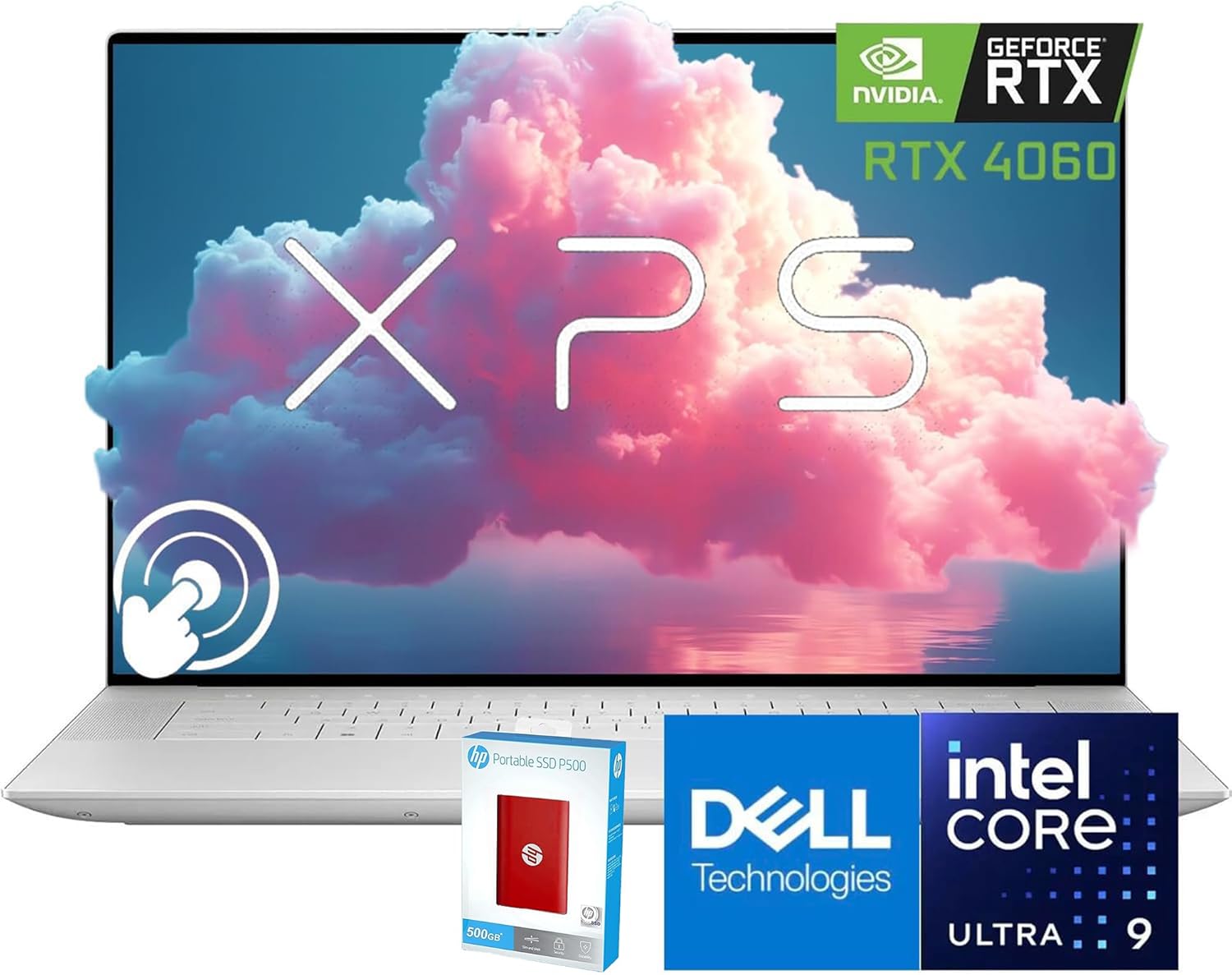
Dell XPS 16
Pros
- Gorgeous 4K OLED touchscreen
- Powerful Intel Core Ultra 9 185H
- Edge-to-edge display
- 32GB RAM standard
- Premium build quality
Cons
- Battery life suffers with 4K OLED (~6 hours)
- Haptic touchpad is love-it-or-hate-it
- Function row is a capacitive touch strip
- Runs hot under sustained load
- Expensive
Price as of Jan 21, 2026 — see current price on Amazon.
If you spend your days staring at code (and you do), the Dell XPS 16's 3840x2400 OLED panel is a treat. Perfect blacks, infinite contrast, and DCI-P3 color accuracy make everything from dark-mode terminals to design work look great.
The Intel Core Ultra 9 185H delivers strong multi-threaded performance for compilation and containerized workloads. 32GB of DDR5X RAM comes standard, which is nice to see at this tier.
Fair warning: the haptic touchpad and capacitive function row are polarizing. Some developers like the clean aesthetic. Others hate losing physical function keys. Try it in a store first.
Who it's for: Developers who also do design work or want the best display for long coding sessions.
Best budget: MacBook Air 15" M4
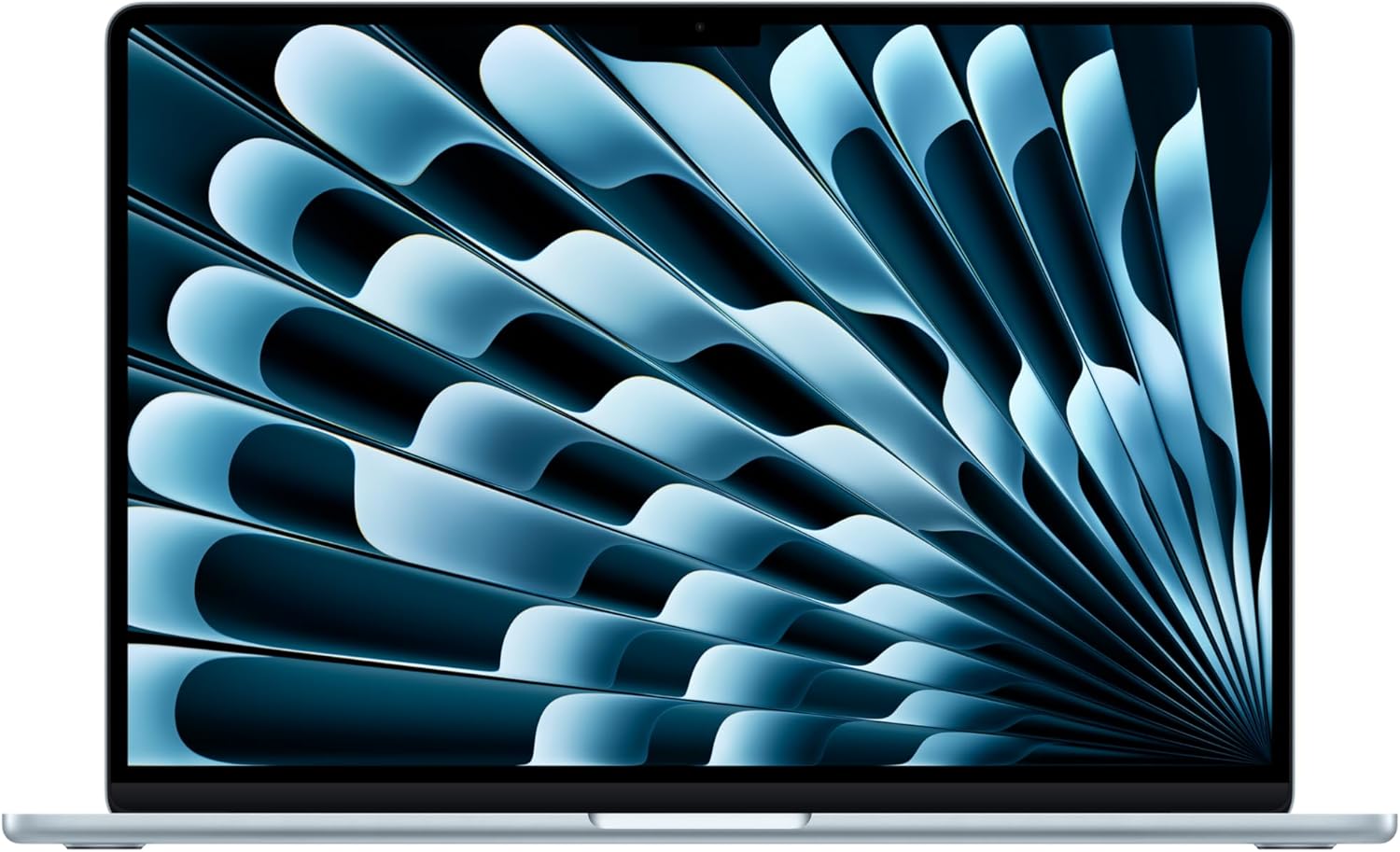
MacBook Air 15-inch M4
Pros
- Incredible value for the performance
- Fanless: completely silent
- 18-hour battery life
- 15.3-inch screen is great for coding
- macOS developer tools ecosystem
Cons
- 16GB RAM base model limits heavy Docker/VM use
- No ProMotion 120Hz display
- Single external display without workarounds
- Not as fast as M4 Pro for sustained workloads
Price as of Jan 21, 2026 — see current price on Amazon.
The M4 MacBook Air is the best value in dev laptops, period. At $1,299, you get the M4 chip (handles everyday dev work easily), a 15.3" display with room for code and a browser side-by-side, and battery life that borders on silly.
It's completely fanless, so your coding sessions are dead silent. The M4 chip handles web dev, Python, JavaScript/TypeScript, and even moderate Swift/Xcode workloads without complaint.
The catch: 16GB base RAM. If you're running multiple Docker containers, VMs, or compiling large C++/Rust projects, step up to the 24GB config ($1,499) or go for the MacBook Pro.
Who it's for: Students, junior developers, web developers, and anyone who wants a great coding laptop without spending $2,000+.
What to look for in a programming laptop
RAM: 16GB minimum, 32GB preferred
Modern development means running an IDE, a browser with DevTools, Docker containers, and maybe a database server at the same time. 16GB works for web development. 32GB is the sweet spot for anything heavier.
CPU: multi-core matters
Compilation, container builds, and test suites are multi-threaded workloads. More cores = faster builds. Apple Silicon (M4/M4 Pro) and AMD Ryzen 9 lead here.
Keyboard: you'll be typing all day
This matters more than benchmarks. A bad keyboard slows you down and causes fatigue. ThinkPad keyboards are the gold standard. Apple's recent keyboards are good too.
Display: go high-res
You're reading small text all day. A high-resolution display (at least 1600p) reduces eye strain and lets you fit more code on screen. OLED is a luxury but makes dark mode genuinely easier on the eyes.
Battery: 10+ hours is the target
Nothing kills productivity like hunting for an outlet. The M4 MacBook Air and Pro set the bar here.
The bottom line
For most programmers in 2026, the MacBook Pro 14" M4 Pro is the best you can get: long battery life, silent operation, and raw performance in a premium package. If you want Linux, the ThinkPad X1 Carbon Gen 13 is the clear choice. On a budget, the MacBook Air 15" M4 gives you most of the Pro experience at about half the price.
As an Amazon Associate, we earn from qualifying purchases. This doesn't affect our recommendations or editorial independence.
Related guides
Frequently asked questions
- How much RAM do I need for programming?
- 16GB is the comfortable minimum for most development work including running a modern IDE, local dev server, database, and browser simultaneously. 32GB becomes necessary if you run Docker containers, virtual machines, or work with large datasets. For machine learning or data science, 32GB to 64GB allows meaningful local training. Memory is one of the hardest things to upgrade on modern laptops, so buying more upfront is worth it.
- Is MacBook or Windows better for programming?
- MacBooks running macOS share a Unix foundation with Linux servers, making terminal-based development, Docker, and server-side code behave consistently with production environments. Windows developers use WSL2 to run Linux within Windows, which works well but adds a layer. For web development, mobile dev targeting iOS, or working in creative tools like Figma, Mac is preferred. For .NET development, game development, or when budget is a primary concern, Windows offers more options at lower cost.
- Do I need a dedicated GPU for programming?
- For most software development, no. Integrated graphics on modern CPUs like Apple M-series or Intel Core Ultra handle the IDE, browser, and display rendering without issue. A dedicated GPU becomes important for machine learning, game development with real-time rendering, or computer vision work. If your work involves GPU compute (PyTorch, CUDA), a dedicated NVIDIA GPU is essential.
- What display resolution matters most for coding?
- Higher pixel density means more characters fit on screen with sharp rendering. A 14-inch laptop at 2560x1600 (220+ PPI) shows substantially more code than 1920x1200 at the same physical size while remaining sharp. Most developers find 14 to 16 inch laptops with 2K or higher resolution give them enough screen real estate without requiring an external monitor. IPS or OLED panels are preferred over TN for extended viewing comfort.
- How important is battery life for a programming laptop?
- Critical if you work without power access. The MacBook Air M4 and MacBook Pro M4 deliver 14 to 18 hours of real-world battery life for typical coding tasks. Windows laptops with high-performance CPUs often deliver 5 to 8 hours. If you work in coffee shops or meetings without plugging in, MacBook M-series or ARM-based Windows laptops have a significant practical advantage for all-day unplugged use.
How We Pick
We pick products by combining spec-level research, price checks, trusted third-party benchmarks, and owner sentiment from high-signal sources.
- Performance and real-world value in the category this guide targets
- Price-to-performance and deal consistency over recent pricing windows
- Build quality, reliability patterns, and known long-term issues
- Recommendation refresh cadence to keep these picks current
Author
TheTechSearch Editorial Team
Independent product reviewers & PC builders
We compare real-world specs, reviews and owner reports, price trends, and user feedback to recommend gear that actually makes sense to buy.