Best Security Cameras Under $100 in 2026: Budget Picks That Deliver
Best security cameras under $100 in 2026: five picks from $35 to $99 covering indoor, outdoor, and versatile use cases without overpaying. Expert picks, pros...
As an Amazon Associate we earn from qualifying purchases made through our links — this doesn't affect our picks.
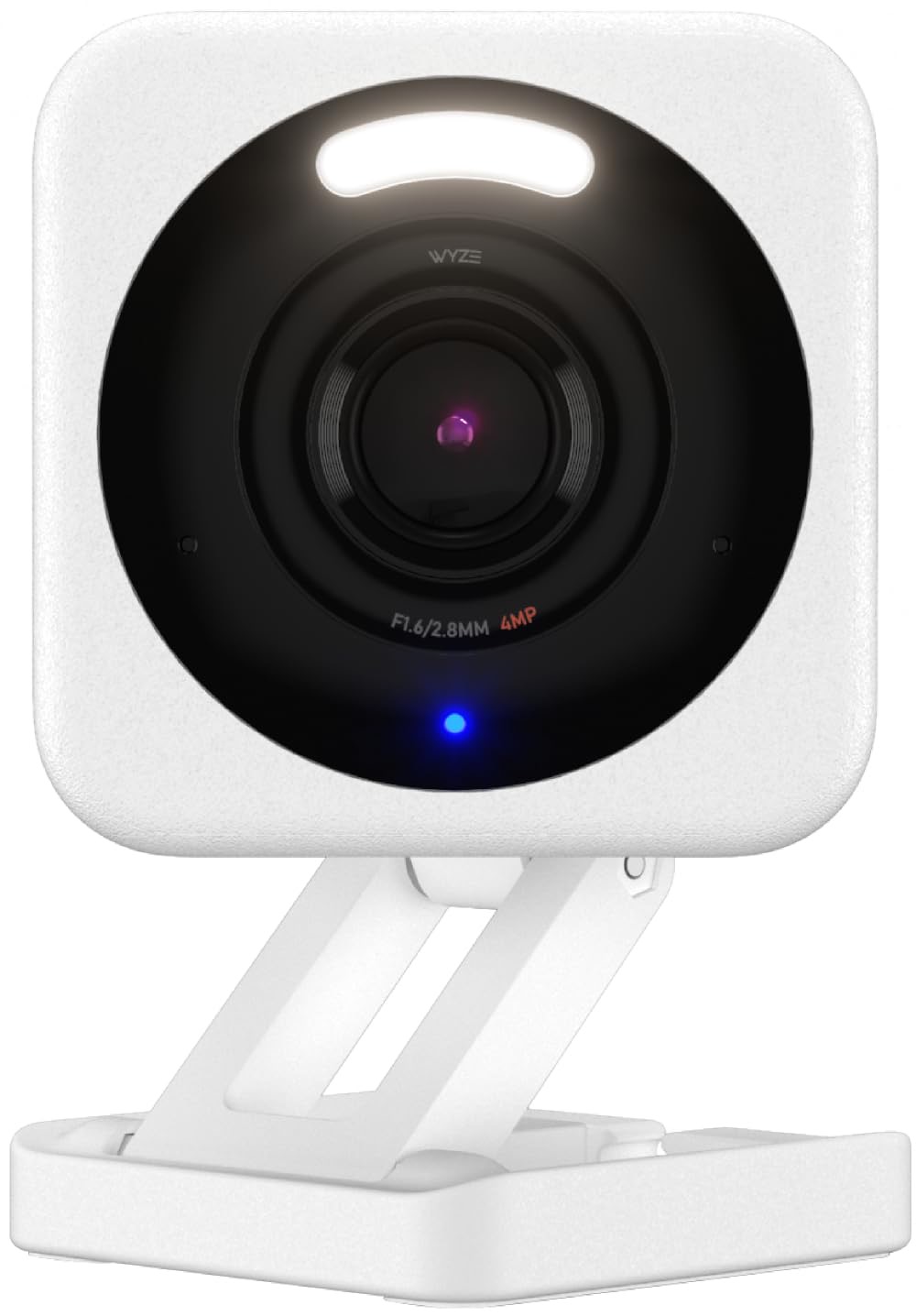
Wyze Cam v4
Our top recommendation for this category
Price as of Feb 27, 2026 — see current price on Amazon.
Security cameras have crossed a threshold. You no longer need to spend $150 or more to get reliable 24/7 coverage with real night vision and smart detection. Five years ago, sub-$100 cameras were grainy, slow, and prone to false alerts. Today, a $35 camera from Wyze shoots 2.5K video with color night vision included free. A $70 outdoor camera from Blink runs two full years on four AA batteries.
The challenge is finding cameras that hold up over time, not just on the spec sheet. Cheap cameras often cut corners on night vision, app reliability, or the free features they advertise at launch. Five cameras made the list, compared on video quality, night vision, subscription requirements, and smart home compatibility, to find the ones worth buying in 2026.
Quick picks
- Best budget overall: Wyze Cam v4 at ~$35: 2.5K QHD video, free AI person detection, and IP65 weather resistance
- Best outdoor under $100: Blink Outdoor 4 at ~$70: battery-powered with two-year battery life and 1080p HDR video
- Best for Alexa: Ring Indoor Cam Gen 2 at ~$60: clean 1080p, deep Alexa integration, physical privacy cover
- Best no-subscription pan/tilt: eufy Indoor Cam S350 at ~$70: 4K dual-lens with 360-degree coverage and lifetime local storage
- Best smart detection under $100: Google Nest Cam Indoor Wired at ~$99: 2K HDR with Gemini AI event summaries and the tightest Google Home integration available
Wyze Cam v4
Wyze Cam v4
Pros
- 2.5K QHD resolution at 20fps with Enhanced Color Night Vision included free
- IP65 weather-resistant housing works indoors or in covered outdoor locations
- Built-in motion-activated spotlight and 86dB siren at no extra cost
- MicroSD slot supports local recording with no cloud subscription required
- Free Cam Plus Lite tier includes AI person, pet, and package detection
Cons
- Fixed angle only, no mechanical pan or tilt
- Cam Plus subscription needed for full-length cloud clips and complete AI suite
- App can feel cluttered when managing multiple devices
Price as of Feb 27, 2026 — see current price on Amazon.
Wyze set the new floor for budget cameras. The Cam v4 shoots 2.5K QHD at 20fps, enough resolution to read a label or identify a face at typical indoor distances. The Enhanced Color Night Vision uses the built-in spotlight to add color to low-light footage rather than relying on infrared alone. Most cameras charge extra to unlock that. Wyze includes it.
The free Cam Plus Lite plan provides AI-powered person detection with 12-second cloud clips, which covers most practical monitoring needs. If you want full-length clips and complete AI detection, Cam Plus costs $1.99 per camera per month, the cheapest subscription tier on this list. The microSD slot means you can skip the cloud entirely with local recording.
That IP65 rating is worth noting at this price. You can mount the Wyze Cam v4 in a covered porch, garage, or mudroom and it handles dust and moisture without issue. It is not an outdoor-specific camera, but it performs adequately in sheltered outdoor positions.
Best for: Anyone who wants real camera quality at the lowest price without a mandatory subscription.
Blink Outdoor 4
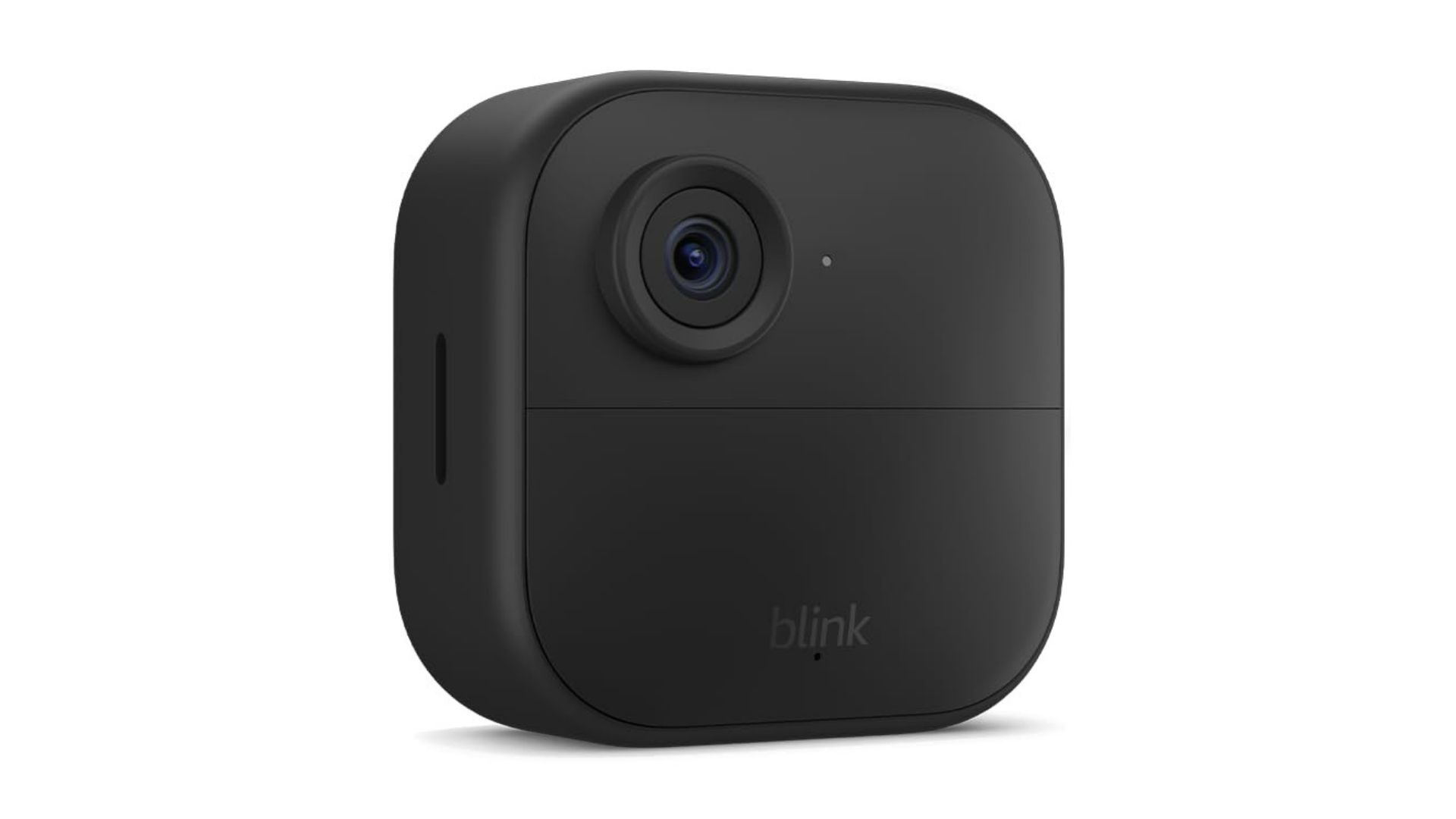
Blink Outdoor 4 Camera
Pros
- Two-year battery life on four AA batteries eliminates power cable routing
- 1080p HDR video with enhanced motion detection and infrared night vision
- Local storage option via Blink Sync Module 2 plus USB drive, no subscription needed
- Built-in temperature sensor helps with home environment monitoring
- Works with Alexa for live view and motion alert routines
Cons
- No color night vision: infrared only in low light
- Requires Blink Sync Module 2 for local storage (sold separately, ~$35)
- Motion detection latency can run 2 to 5 seconds in some conditions
Price as of Feb 27, 2026 — see current price on Amazon.
The Blink Outdoor 4 solves the problem most people face with outdoor cameras: where to plug them in. The battery-powered design runs on four standard AA batteries with an advertised two-year lifespan based on typical usage. No exterior power outlet, no running cable through a wall, and no need to call an electrician. Mount it where coverage makes sense, not where the outlet happens to be.
Its 1080p HDR video captures sharp detail in high-contrast scenes, outdoor lighting being the most common scenario. Night vision relies on infrared rather than color, which means low-light footage is black and white but clear. The built-in motion detection catches approaching figures before they reach the camera's close range, which is the practical test for an outdoor camera.
Cloud storage for video clips costs $3 per month per camera or $10 per month for unlimited cameras on Blink's subscription plan. If you want to avoid that cost entirely, the Blink Sync Module 2 connects to a USB drive and stores footage locally. The Sync Module costs around $35 separately, so factor that into the total if local storage matters to you.
Best for: Outdoor monitoring where running a power cable is impractical or impossible.
Ring Indoor Cam Gen 2

Ring Indoor Cam (Gen 2)
Pros
- Deep Alexa integration triggers routines, shows live view on Echo Show, connects to Ring Alarm
- Physical Privacy Cover mechanically blocks the lens when you are home
- Clean 1080p HD video with 115-degree field of view and two-way audio
- Simple plug-in setup with no hub or base station required
- Works as part of a unified Ring system with doorbells, outdoor cameras, and Ring Alarm
Cons
- Ring Protect Plan ($4/month) required to save any footage beyond live view
- No free cloud recording tier at all
- 1080p resolution falls behind competitors at similar price points
Price as of Feb 27, 2026 — see current price on Amazon.
The Ring Indoor Cam Gen 2 earns its place on this list not through video specs but through ecosystem depth. If you already have a Ring doorbell or Ring Alarm system, the Indoor Cam slides into that setup without friction. Alexa routines can trigger the indoor camera when the doorbell detects motion at the front door, or activate smart lights when the indoor camera detects someone. That kind of cross-device coordination is harder to replicate outside of the Ring and Amazon ecosystem.
The physical Privacy Cover is one of the better hardware privacy implementations at this price. A sliding cover mechanically blocks the lens. When you are home and want the camera off, you close the cover and it cannot see anything regardless of what the software says.
Ring's subscription model is the main trade-off. Unlike Wyze, which offers a free tier with real functionality, Ring gives you live view only without a Ring Protect plan. At $4 per month per camera or $10 per month for the whole home, it is not expensive, but it is not optional if you want to review any recorded footage.
Best for: Households already invested in Ring or Amazon Alexa ecosystems.
eufy Indoor Cam S350
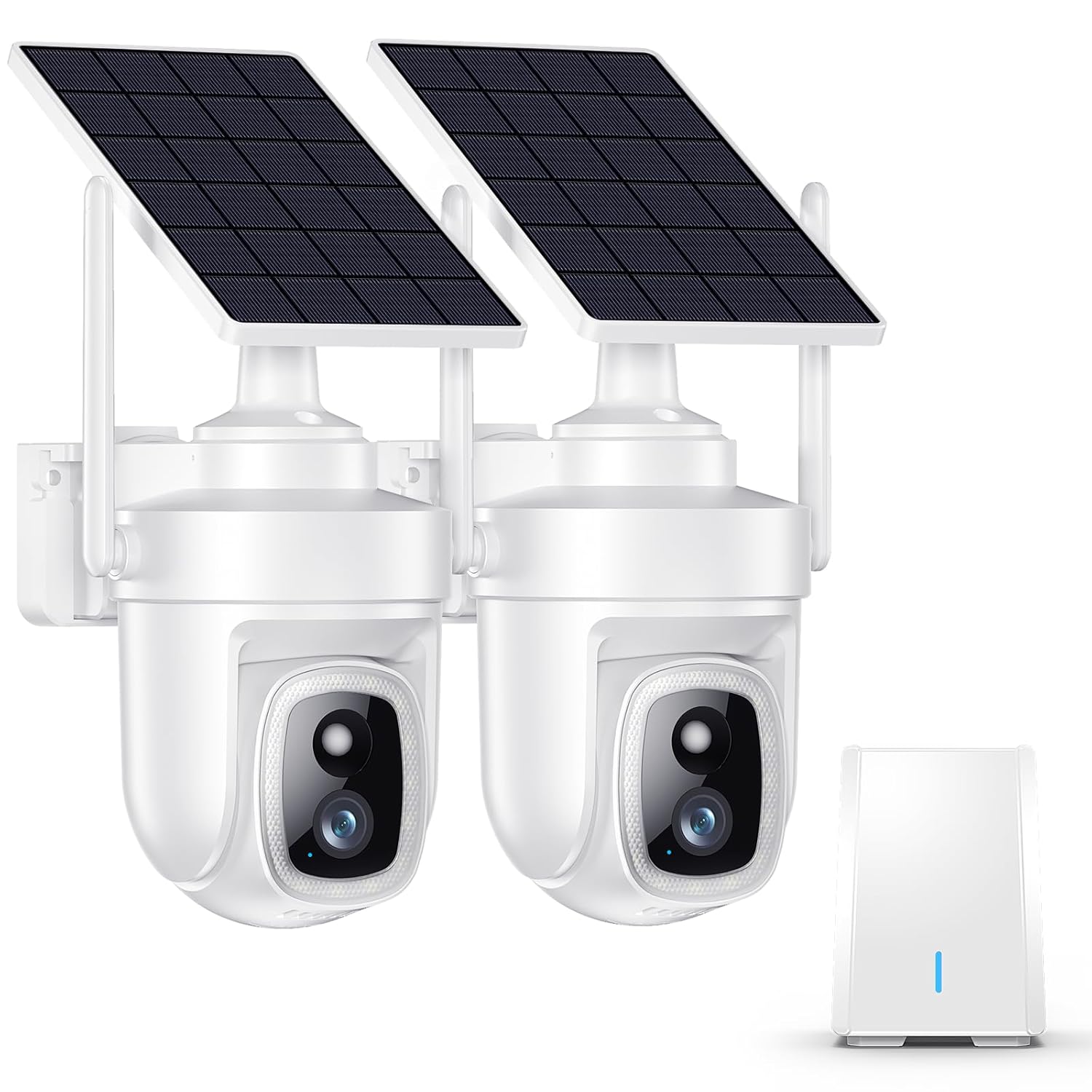
eufy Security 4K Indoor Cam S350
Pros
- 4K UHD resolution with a dedicated 8x optical zoom telephoto lens
- 360-degree pan and 90-degree tilt covers an entire room from one mount point
- No monthly fee ever: all footage stored on built-in local storage
- 2.4GHz and 5GHz dual-band Wi-Fi 6 for low-latency streaming and control
- AI auto-tracking follows motion across the full pan/tilt range automatically
Cons
- Limited third-party smart home automation compared to Ring or Google Nest
- Requires the eufy Security app, a separate platform from major ecosystems
- Dual-lens design adds bulk compared to simpler fixed cameras
Price as of Feb 27, 2026 — see current price on Amazon.
The eufy Indoor Cam S350 uses two lenses on one body: a wide-angle 4K main camera and a telephoto lens with 8x optical zoom. That combination lets you monitor a full room at normal zoom and then inspect a specific area in detail without digital softness. Most pan/tilt cameras achieve zoom by cropping a single sensor. The S350 uses a second physical lens, so the zoomed image holds genuine resolution.
Subscription terms are the S350's strongest differentiator in a category where monthly fees are standard. eufy stores all footage locally on built-in storage. There is no cloud tier to upgrade, no monthly fee structure, and no footage living on a third-party server. For $70, you get a capable 4K pan/tilt camera that costs nothing to operate beyond the purchase price.
The trade-off is ecosystem depth. eufy works with Alexa and Google Assistant for basic voice commands and live view, but complex automations and cross-device routines are less developed than what you get inside the Ring or Nest ecosystems.
Best for: Privacy-conscious buyers who want pan/tilt coverage and no monthly fee.
Google Nest Cam Indoor Wired
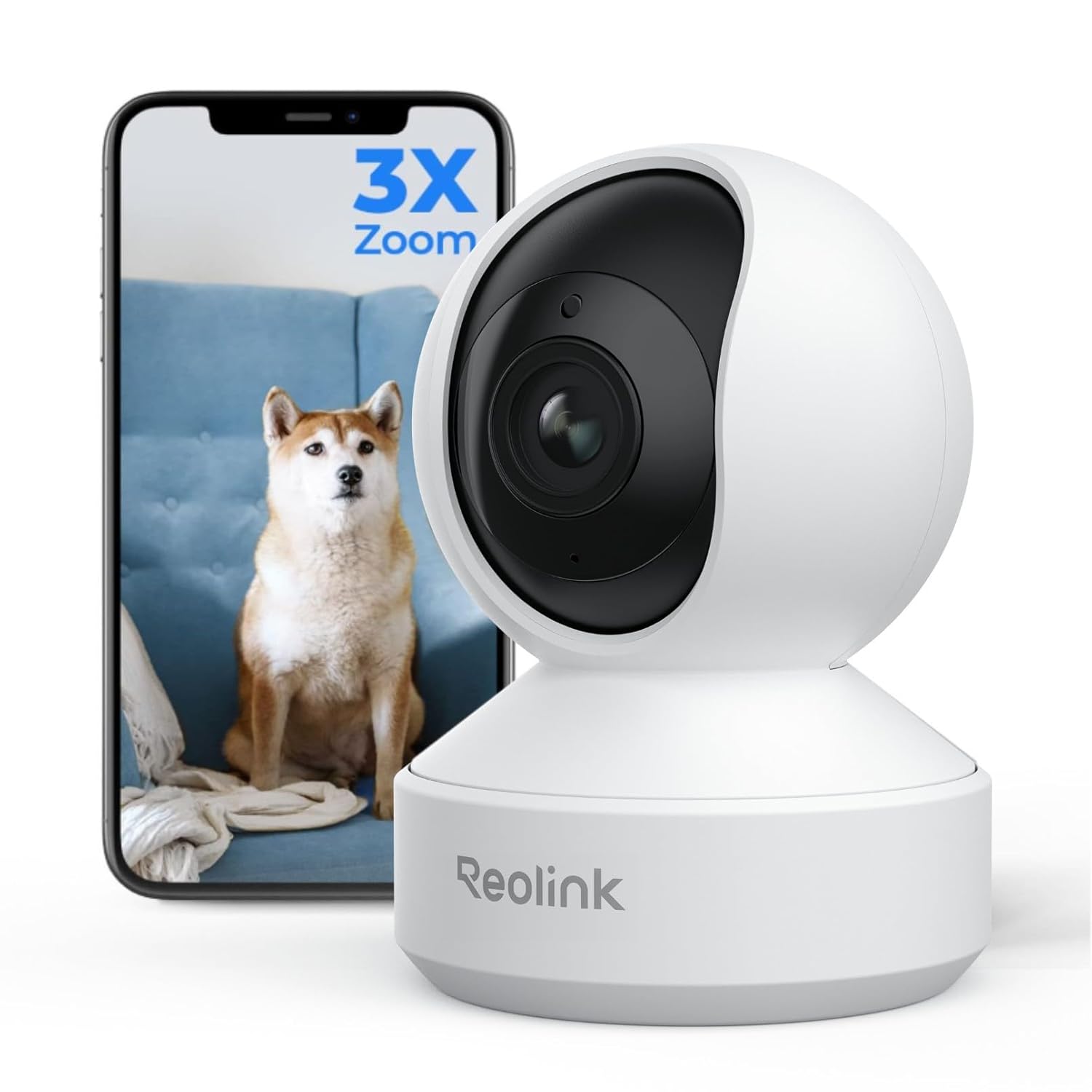
Google Nest Cam Indoor Wired (3rd Gen)
Pros
- 2K HDR video with a 152-degree field of view that covers wide indoor spaces accurately
- Five minutes of event clips saved free with no subscription required
- Gemini AI generates plain-language summaries of detected activity
- Deep Google Home integration with automations, Routines, and Chromecast live view
- Familiar face recognition identifies household members and sends specific alerts
Cons
- Fixed angle only, no pan or tilt
- Full face recognition and extended clip history require Nest Aware ($8/month)
- Google account lock-in makes switching ecosystems more difficult later
Price as of Feb 27, 2026 — see current price on Amazon.
Google's Nest Cam Indoor Wired sits at $99, which is right at the edge of this article's price range, and it earns its place by being meaningfully different from the $35 and $60 options below it.
The Gemini AI integration is the feature that justifies the price gap. Instead of scrubbing through clips to understand what triggered an alert, you get a plain-language summary of the event: a person entered through the back door at 9:22 PM, or a package was left near the front entrance. For households that check the camera app regularly, that context saves real time.
Google's five-minute free event clip tier covers most practical needs. The majority of motion events are shorter than five minutes, so you can review most activity without paying anything. Nest Aware at $8 per month covers all Nest cameras on your account, which makes it more economical than per-camera plans from Ring or Arlo if you own multiple cameras.
The 152-degree field of view is the widest on this list. In a standard bedroom or living room, one camera covers the full space without precise angle adjustment.
Best for: Google Home households that want AI-powered event summaries and the widest field of view under $100.
What to look for in a budget security camera
Check the actual free tier before buying
Every camera on this list markets itself as having free features, but the reality varies significantly. The Wyze Cam v4 gives you 12-second cloud clips and AI person detection at no cost. Google Nest offers five-minute clips free. eufy stores everything locally for free permanently. Blink offers free local storage with the Sync Module purchase. Ring gives you only live view, with zero saved footage without a paid plan. Know what you are getting for free before you commit to a camera that requires a subscription to be useful.
Indoor vs. outdoor rated
IP65 and IP67 ratings mean a camera can handle rain and dust. The Wyze Cam v4 carries an IP65 rating, making it usable in sheltered outdoor spots. Blink's Outdoor 4 is specifically designed for outdoor installation. The Ring Indoor Cam, eufy S350, and Google Nest Cam are rated for indoor use. Installing an indoor-rated camera outdoors in a protected location like a covered porch often works, but it is not what the manufacturer recommends and may void the warranty.
Battery vs. wired power
Battery cameras like the Blink Outdoor 4 offer placement flexibility but require periodic battery replacement or recharging. Wired cameras like the Wyze, Ring, eufy, and Google Nest Cam deliver continuous power and do not require maintenance. For outdoor locations with a nearby outlet, wired is simpler. For locations away from power, battery is the practical option.
Resolution at this price range
At under $100, 1080p is the baseline and 2K or higher is increasingly available. The Wyze Cam v4 at $35 shoots 2.5K. eufy's S350 at $70 shoots 4K. The Google Nest Cam at $99 shoots 2K HDR. The Ring Indoor Cam at $60 is the exception on this list with 1080p, but it compensates with ecosystem depth. For identification purposes at typical indoor distances of 10 to 20 feet, 2K provides a meaningful step up over 1080p.
FAQ
What is the best security camera under $100 for outdoors?
The Blink Outdoor 4 is the best choice for outdoor coverage under $100. Its two-year battery life solves the wiring problem for locations away from outlets, and the 1080p HDR video handles the high-contrast lighting typical of outdoor scenes. If you have a sheltered outdoor spot with a nearby outlet, the Wyze Cam v4 at $35 also works well outdoors given its IP65 weather resistance.
Do security cameras under $100 need a subscription to be useful?
Not always. The Wyze Cam v4 offers free 12-second cloud clips with AI person detection. eufy provides completely free local storage with no subscription ever. Blink offers free local storage when paired with the Sync Module and a USB drive. Ring and Arlo require subscriptions to save any footage. Pick a camera whose free tier matches your actual usage habits before committing.
How much does cloud storage cost for budget security cameras?
Cloud storage costs vary by brand. Ring Protect costs $4 per month per camera or $10 per month for unlimited cameras. Blink cloud storage costs $3 per month per camera or $10 per month for unlimited cameras. Wyze Cam Plus costs $1.99 per camera per month. Arlo Secure costs $4.99 per camera or $12.99 for up to five cameras. Google Nest Aware starts at $8 per month for all cameras. If monthly fees are a concern, eufy or Wyze with local storage are the most cost-effective long-term options.
Can you use indoor cameras outside?
Cameras with an IP65 or higher rating can handle sheltered outdoor locations. The Wyze Cam v4 carries an IP65 rating and works in covered porches and garages. Cameras without a weather rating, like the Ring Indoor Cam Gen 2 or Google Nest Cam Indoor Wired, are not designed for outdoor use and may fail from moisture exposure over time. For dedicated outdoor coverage, use a camera designed and rated for it, like the Blink Outdoor 4.
How many security cameras does a typical home need?
Most homes with under $100 cameras benefit from three to four placements: front entry, back entry, main living area or garage, and one additional zone like a driveway or side gate. You do not need to cover every inch of the property. Focus on entry and exit points first, then areas where valuables are stored. A $35 Wyze Cam v4 at each of four key spots costs $140 total with no ongoing subscription fees and covers the vast majority of practical home security needs.
Verdict
The Wyze Cam v4 is the best security camera under $100 for most people. At $35 with 2.5K video, free person detection, local storage, and IP65 weather resistance, it covers more use cases than any other camera at this price. For outdoor coverage without running power cables, the Blink Outdoor 4 at $70 delivers two years of battery life with reliable motion detection. If you are already in the Google Home ecosystem, the Google Nest Cam Indoor Wired at $99 adds Gemini AI summaries that make reviewing footage genuinely faster than manually scrubbing clips.
For more home security coverage, see our full guide to the best security cameras in 2026, our picks for the best wireless security cameras, and the best indoor security cameras.
How We Pick
We pick products by combining spec-level research, price checks, trusted third-party benchmarks, and owner sentiment from high-signal sources.
- Performance and real-world value in the category this guide targets
- Price-to-performance and deal consistency over recent pricing windows
- Build quality, reliability patterns, and known long-term issues
- Recommendation refresh cadence to keep these picks current
Author
TheTechSearch Editorial Team
Independent product reviewers & PC builders
We compare real-world specs, reviews and owner reports, price trends, and user feedback to recommend gear that actually makes sense to buy.